An AI computer you can safely delegate work to.
A dedicated, always-on computer with its own storage, browser and logins. OpenClaw comes built in with our OS designed for agents. Nothing to install.
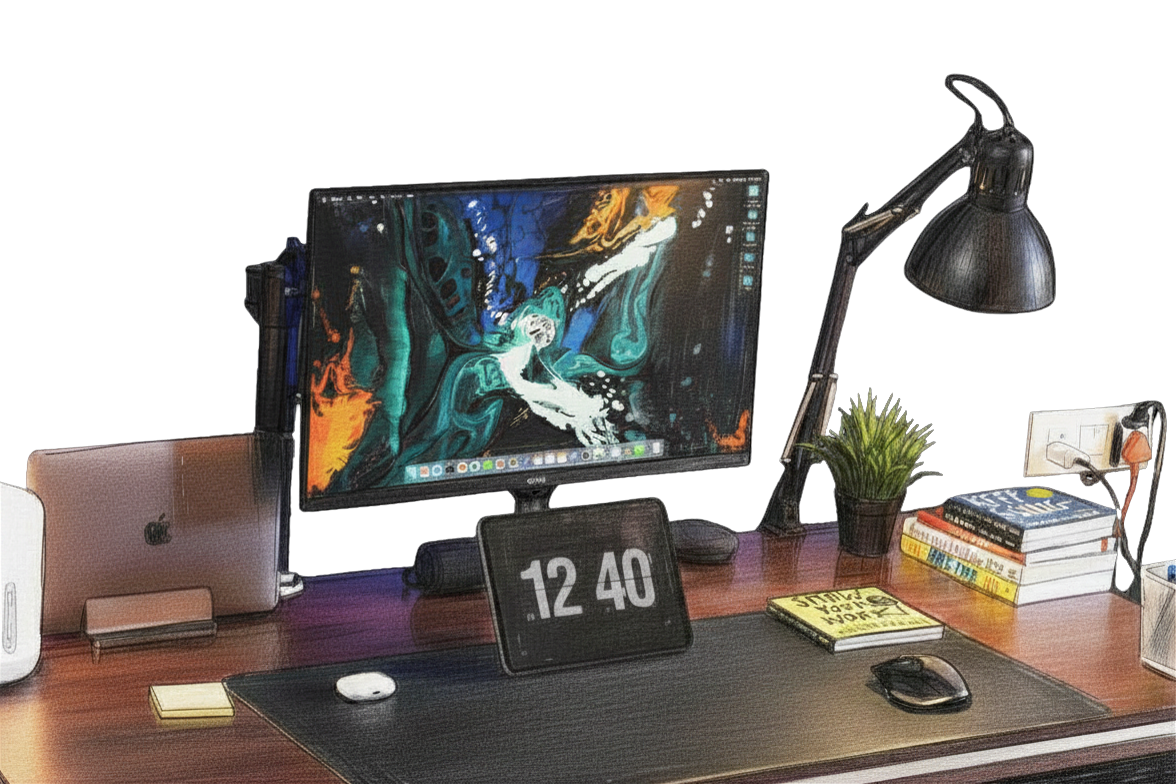
Put it to work
Work you can hand to Tarvis.
Say it or tap it, no technical setup needed. Tarvis does the work on its own computer and shows you as it goes.
Q3 Growth Strategy
Acme Inc · Board review
Safe by separation
Why an agent needs its own computer.
Agents on your laptop stop when you close the lid, and they can see everything you keep there. Tarvis gives the agent a machine of its own.
Its own storage
Your files stay on your laptop. Tarvis keeps its work, downloads and history on its own disk.
Its own browser and logins
Sign into a service once, on the device. The session stays local, and the agent does the clicking in its own browser.
Always on
It keeps working when your laptop is closed. Long jobs, monitors and recurring tasks run overnight.
Approvals on the touchscreen
Sensitive actions wait for a tap on the device. You see what the agent wants to do before it does it.
Full system access, safely
Unlike an iPad, Tarvis runs Linux and lets the agent control the whole device. That is fine, because the device is not your laptop.
A visual companion
The screen shows what the agent is doing: documents, browser, files and activity. No black box.
Drives two displays
The touchscreen stays home for approvals and status. Tarvis can drive up to two larger displays for coding sessions or presentations.
Speak or tap
Talk to it across the desk or use the touchscreen. No terminal, no code, no setup.
Runs real work
Its built-in OpenClaw runtime logs into websites through computer-use, runs code, monitors services and executes recurring tasks.
See it in action
What that looks like day to day.
Always on
Hand it a task. Close your laptop.
Tarvis runs agent sessions in the background on its own hardware. Give it a job in the evening and check the result in the morning. Your laptop can sleep. Tarvis doesn't.
Long-running sessions.
Tracked, resumable, still going when you come back.
Real output.
Code written, PRs opened, reports built.
Asks when stuck.
Flags the one decision only you can make.
$ tarvis code --resume add-self-vpn-support
reading src/lib/vpn.py ...
wiring wg-quick up into the boot path
running tests: 12 passed
$ git commit -m 'feat(vpn): self-vpn support'
PR #58 opened - waiting on review
Coding sessions
systemd-watchdog-liveness-check(needs input)
inputadd-self-vpn-support
selectIts own logins
Sign in once. It takes it from there.
Log into the services you want Tarvis to use, straight on the device. Sessions are kept locally. The agent uses its own browser to do the clicking, so your passwords never leave the box.
Sessions stay on the device.
Credentials live on Tarvis, not in a chat window.
Real websites, not just APIs.
It uses the browser the way you would.
Approvals on the touchscreen.
Sensitive actions wait for your tap.
A visual companion
You can always see what it's doing.
Tarvis shares its screen with you: the document it is editing, the page it is on, the chart it just made. It can drive up to two larger displays when you want to watch or present the work.
Nothing hidden.
Documents, browser, files and agent activity, on screen.
Presents its work.
Charts and decks, not just a text log.
Up to two displays.
HDMI out for coding sessions and presentations.
Population: France vs Spain
OpenClaw built in. Nothing to set up.
The agent setups people build with OpenClaw and Hermes, running out of the box. No VM to rent, no install scripts, no powerful computer needed. If you live in a terminal you will feel at home. If you have never opened one, you never have to.
Up and running in minutes
How it works.
- 1
Put it on your desk
Plug in power. Tarvis is a small touchscreen computer. Connect one or two displays over HDMI if you want more room.
- 2
Log in once
Sign into the services you want Tarvis to use. The sessions are kept locally, on its own storage.
- 3
Delegate
Speak or tap to hand off work. Approve sensitive actions on the touchscreen. Tarvis keeps working after you walk away.
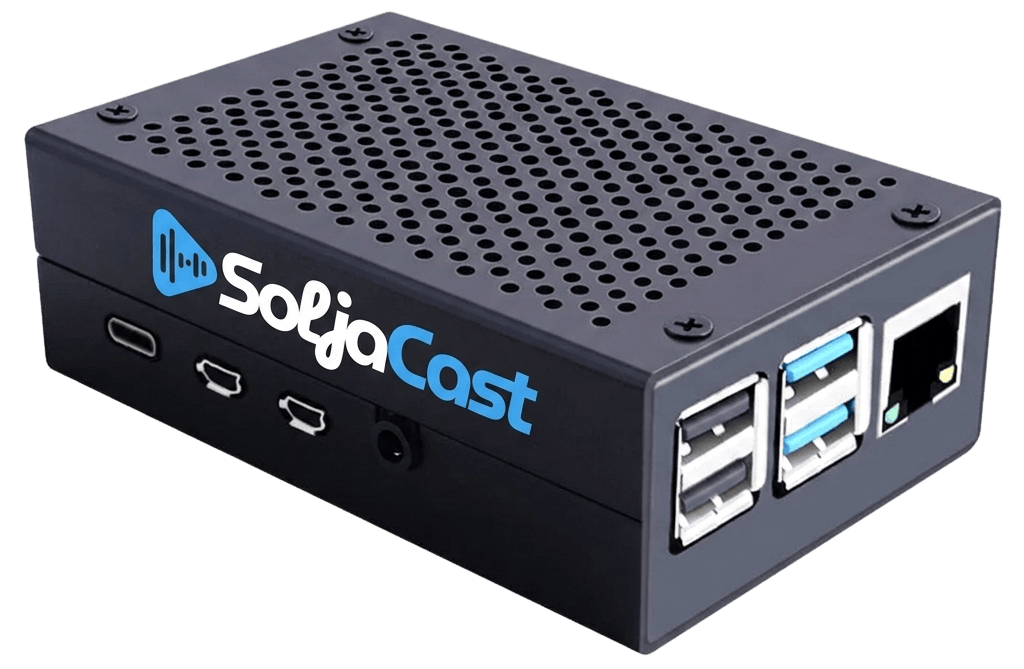 Tarvis
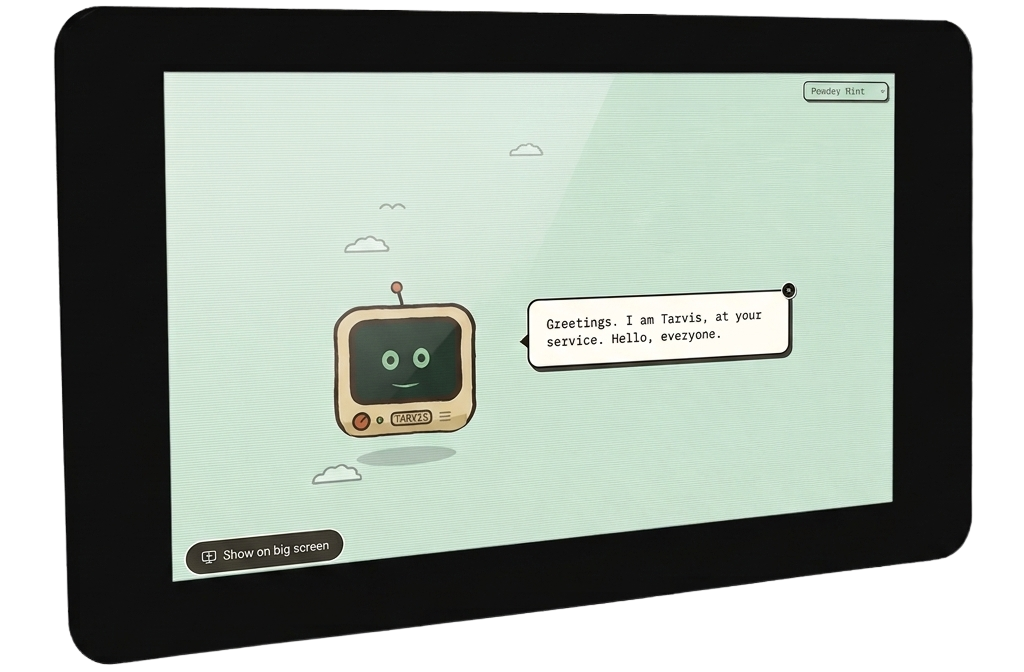 Tarvis tablet
Give your agent its own computer.
Tarvis v1 is in development and testing with early users. Join the waitlist and we will be in touch.
Questions about Tarvis.
If you can't find what you're looking for, get in touch.